
Hosted phone system
The exchange runs in the cloud, so there is no ageing PBX box in a cupboard waiting to fail.
Business VoIP (voice over internet protocol), also called a cloud phone system or hosted PBX, runs a company phone system over the internet instead of copper lines or an on-site PBX. Extensions, auto-attendants, call queues and voicemail live in the cloud, so the same business number rings on a desk phone, a mobile app or Microsoft Teams, wherever staff are working.
Phones tied to a building stopped making sense once work stopped happening in one place. A cloud phone system puts the same business number on a handset, a laptop and a mobile, and lets call routing change without booking an engineer visit.
We design the call flow, port your existing numbers, deploy the handsets or apps and manage the platform afterwards.
What is included
The exchange runs in the cloud, so there is no ageing PBX box in a cupboard waiting to fail.
Your existing numbers transfer to the new platform, coordinated so calls never drop in the gap.
Menus, ring groups and out-of-hours routing configured around how your team actually answers calls.
Staff take and make calls on the business number from a laptop or their own phone, without handing out a personal number.
If you already run Microsoft 365, calls can live inside Teams instead of a second app.
Messages arrive in the inbox, and recording is available where you need it for training or compliance.
Volumes, answer rates and missed calls, so staffing decisions are based on numbers rather than impressions.
There are two common ways to run business phones in the cloud, and the right one depends on how your team works.
Microsoft Teams Phone. Calls are made and answered inside Teams, on a laptop, a mobile or a Teams-certified desk phone. It suits teams that already work in Microsoft 365 and mostly from laptops. It needs a Teams Phone licence on top of most Microsoft 365 plans, plus a connection to the public phone network: either a Microsoft Calling Plan or a phone carrier connected to Teams.
Hosted phone system (hosted PBX). A dedicated cloud phone platform with its own desk phones and mobile app. It suits businesses with a busy front desk, call queues, many desk phones, or staff who do not use Teams.
Many businesses mix the two: Teams for office staff, desk phones for reception. Either way, your existing numbers come with you. We recommend one after looking at how your calls actually flow, not before.
Who answers which calls, the menus, ring groups, and what happens out of hours.
Bandwidth, connection quality and firewall settings checked before anything moves.
Your numbers move from the old carrier. Porting can take from a few days to a few weeks, depending on the carrier, so it starts early, and calls keep working on the old system until cutover.
Each phone or user registered to a street address, so emergency services are sent to the right place.
Desk phones configured and delivered, and apps installed on laptops and mobiles.
The switch happens at a quiet time, and staff get a short walkthrough of the features they will actually use.
For the detail on porting, 9-1-1 and internet readiness, read Switching to business VoIP.
Questions
Yes. Porting numbers across is a standard part of the setup, and we schedule it so there is no window where customers cannot reach you.
Calls fail over to mobiles or an alternative destination you choose, so an outage at the office does not mean nobody can reach you.
Our management agreement is month-to-month like everything else. Carrier and number arrangements have their own terms, and we walk you through those before anything is signed.
Yes. With Teams Phone, the business number rings in the Teams app on laptops and mobiles, and on Teams-certified desk phones, so staff do not need a second app.
Not always. Some existing handsets can be reused on the new platform, and many staff need no desk phone at all once they have the desktop or mobile app. We check what you have before recommending anything.
Each phone or user is linked to a registered street address, which is passed to emergency services on a 9-1-1 call. If staff work from more than one location, those addresses need keeping current, and we set that up and show your team how it works.
We do not sell internet service, but we help you choose and order a connection that suits voice calls, and coordinate the install with the provider.
Guides
Alberta stayed on UTC-6 on 1 November. Why some Outlook meetings now show an hour late, how to fix them, and what changes again in March.
Read the guide
A timeline-based IT checklist for moving office, covering internet orders, cabling, Wi-Fi, phones and 9-1-1 addresses, moving day and the old site.
Read the guide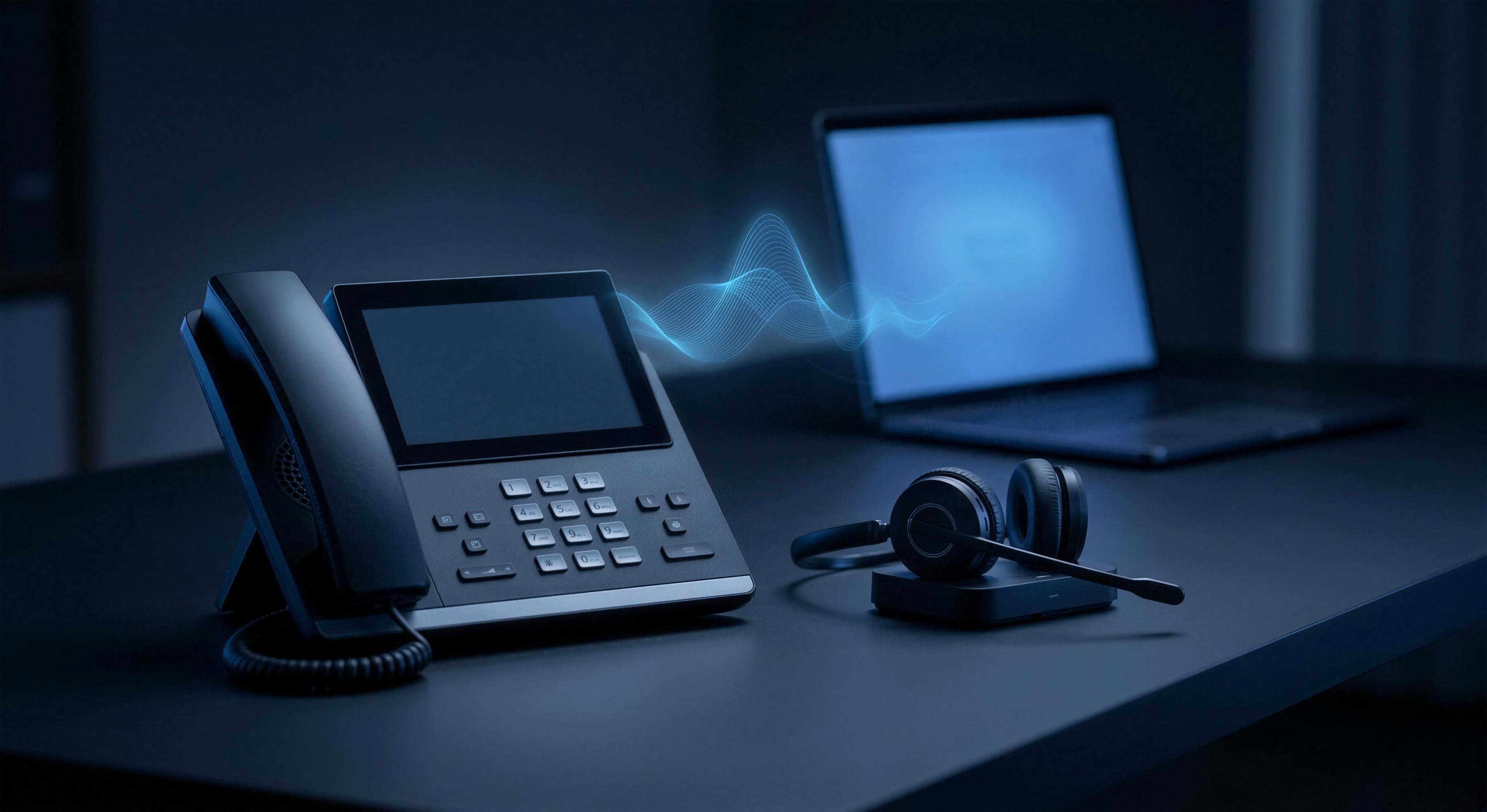
Moving your business phones to VoIP in Alberta. Keeping your numbers, 9-1-1 addresses, internet readiness, and the analogue lines people forget about.
Read the guideAlso from CyberTab
Built, hosted, secured and maintained.
Tenant setup, migration and administration.
Named engineers and documented response targets.
Protected backups and tested recovery.
Endpoint protection, threat monitoring and response.
A free 45-minute assessment of your environment, licences and support. You get our recommendations on the call, with no obligation to go ahead.